People, contracts, and schedules in one system
Flowtly connects HR records, contracts, time-off, onboarding, and headcount costs so your team has one source of truth — without juggling separate HR software.
Keep employee data, schedules, contracts, and headcount costs connected across the whole company.
· Built for HR & ops teams
How Flowtly changes HR & ops
One record per person, no duplicates
Contracts, rates, roles, and time-off in one employee profile.
Onboarding that finishes itself
Playbooks guide new hires through tasks, documents, and first-week milestones.
Headcount cost tied to projects
See exactly what each person costs and which project or budget absorbs it.
What that looks like in Flowtly
- Enter the full-time leave limit once and Flowtly prorates it for a part-time contract by the FTE share on the agreement.
- Signers confirm a one-time code from their email, with no Flowtly account, and the Signatures list shows who has signed until the sealed PDF comes back.
- A QR scan records each patrol or cleaning visit, and a round shows as done, late, partial or missed against its schedule and grace window.
How it works in Flowtly
Screenshots of the running product, taken in demonstration organisations with sample data. Select a screenshot to open it full size.
1Add a team member with name, company email and phone, and invite them to Flowtly in the same step. 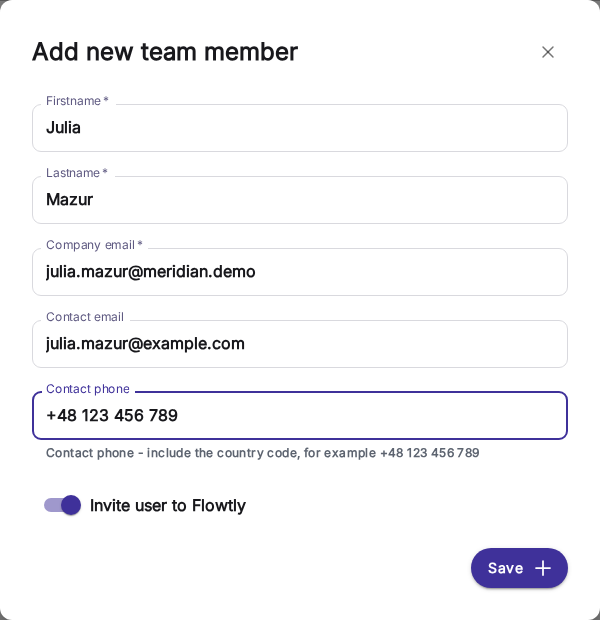
2Before a leave request is sent, it shows what it changes: the days it uses, the balance now and to year end, and whether it fits. 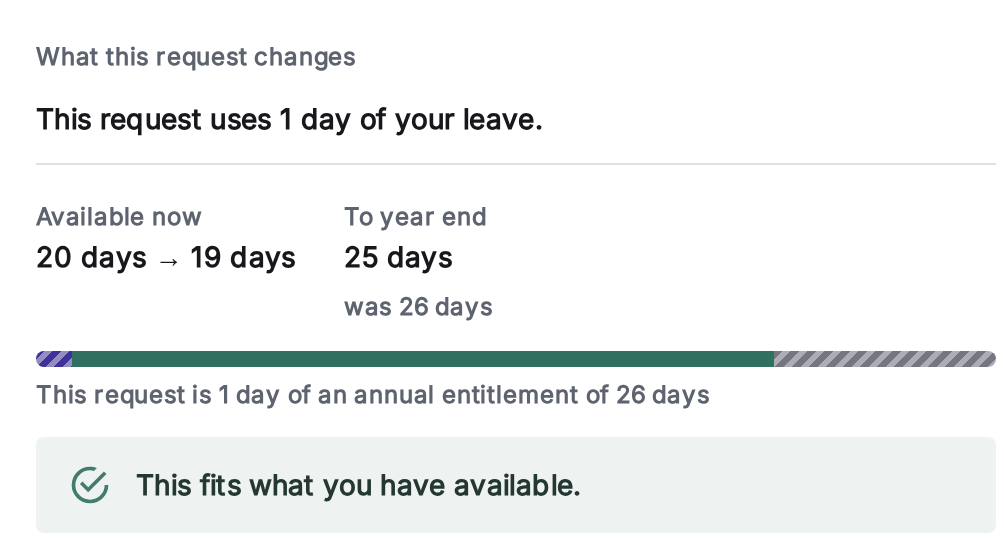
3Everything about a person is a tab on one profile: assignments, permissions, annual time off, agreements, documents, rates, benefits and history. 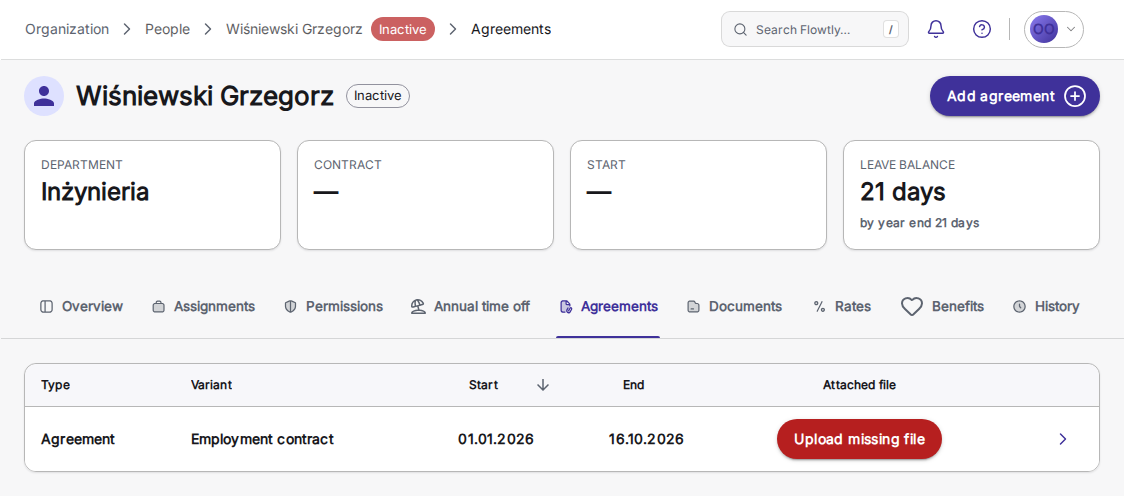
What HR & ops teams can switch on
Each block is a capability you can enable to match how your people operations run.
Leave balances that explain themselves
Everyone sees what is available now and what they will have by year end, and the annual leave tab shows how the figure was reached: the full-time limit, the contract’s FTE share, days accrued so far, carry-over, lapsed and used days. A part-time entitlement is prorated once, by Flowtly, from the contract.
Read the guideSign documents natively
Send any PDF, PNG or JPEG for e-signature, not only a contract from its record. Each signer confirms a one-time code sent by email, with no Flowtly account needed, and you get a sealed PDF with an audit certificate. No DocuSign tab.
Read the guideCompany policies with dated versions
Administrators publish each policy as dated versions that cannot be edited or deleted; a correction is published as a new version. A rule that changes next month can be published now with that start date: today’s wording stays in force until then, and choosing an earlier date in the history shows the wording that applied on that day. Every employee can read every policy.
Read the guideAvailability that accounts for leave and part-time
The People view measures everyone against their own contracted week and work schedule. Approved leave comes out of capacity, so someone on holiday or on a part-time contract never looks free when they are not.
Read the guide